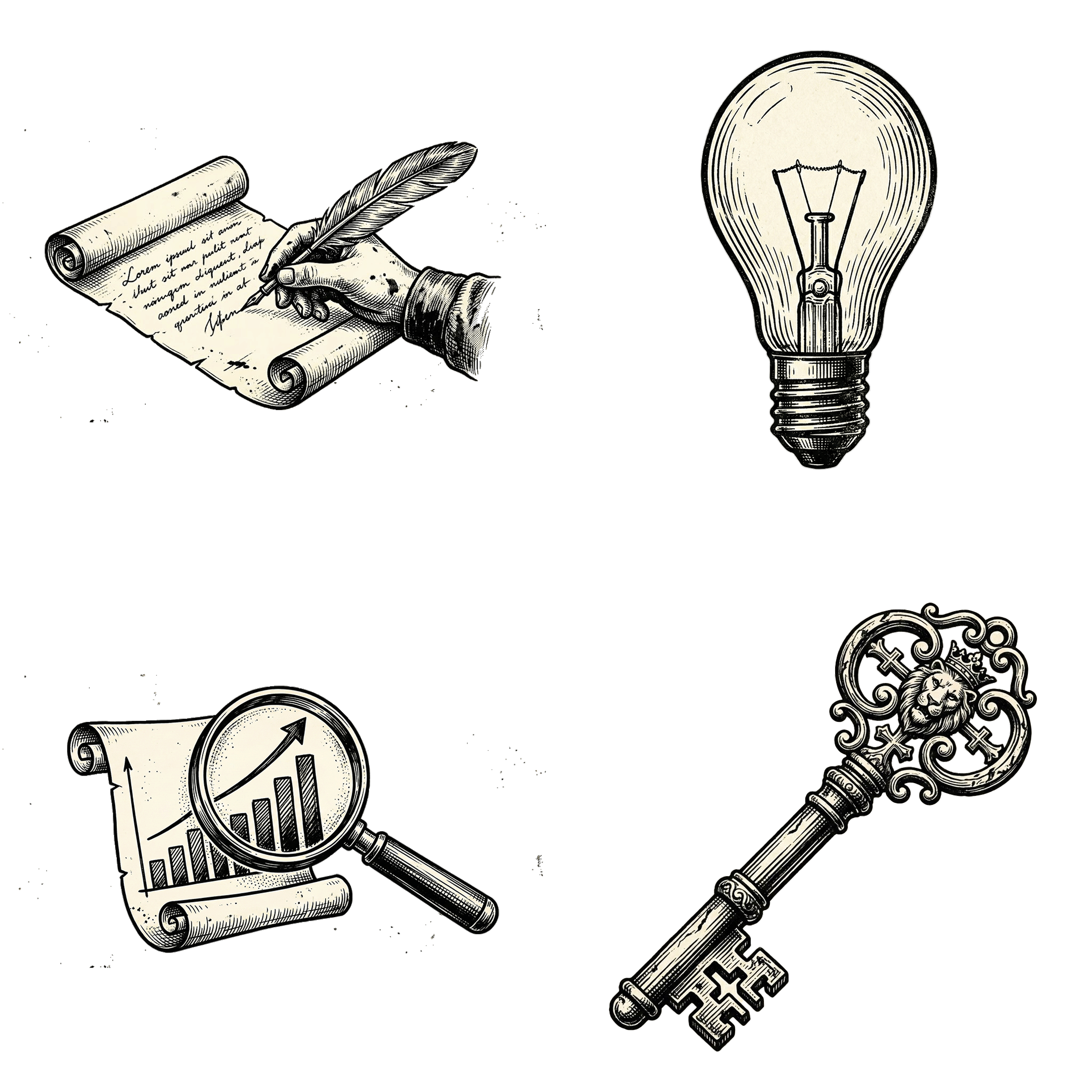
안녕하세요. 오늘은 최근에 테스트해본 나노바나나 Pro(NanoBanana Pro) 모델로 만들 수 있는 레트로 빈티지 스타일 아이콘 세트 프롬프트를 공유해보려고 합니다. 제가 직접 만들어서 적용해본 결과, 아래 JSON 구조를 그대로 넣으면 한 번에 완성도 높은 빈티지 흑백 아이콘 세트를 생성할 수 있어서 꽤 만족도가 높았습니다.
고풍스러운 디자인 + 고급스러운 느낌
최근 디자인 트렌드를 보면 ‘복고풍 + 극단적인 단색 대비’ 스타일의 이미지가 다시 떠오르고 있습니다.
특히 하이 콘트라스트(High Contrast), 거친 손그림 질감, 스크래치·해치 라인(hatching) 같은 아날로그 감성이 디지털 인터페이스와 잘 어울리기 때문이에요.
- 현대적인 벡터 디자인은 너무 매끈해서 재미가 없다는 사람들
- **“조금 더 클래식한 분위기”**를 넣고 싶은 디자이너
- 책, 역사, 지식 관련 컨텐츠를 만드는 제작자
실제 생성용 JSON 프롬프트
아래는 제가 사용한 실제 프롬프트입니다. 이대로 넣어서 돌리면 ‘지식·학습’ 콘셉트의 빈티지 아이콘 세트가 한 번에 나옵니다.
{
  "description": "Prompt for generating a retro icon set in vintage engraving/woodcut style based on reference image_10.png",
  "target_style": {
    "core_aesthetic": "Vintage engraving, woodcut, linocut illustration. High contrast monochrome.",
    "texture_details": "Gritty ink bleed, rough letterpress texture, halftone dot patterns for shading, parallel hatching lines indicating volume.",
    "color_palette": "Pure black ink on aged, off-white or cream paper background. No gray tones.",
    "line_work": "Thick, bold outlines with finer internal hatching lines. Rough, hand-drawn feel."
  },
  "content": {
    "subject": "A cohesive set of retro icons related to knowledge and study.",
    "layout": "Grid collection of isolated icons on a single sheet.",
    "examples_to_include": [
      "The open book from the reference style",
      "A quill pen and inkwell",
      "A rolled parchment scroll",
      "Vintage magnifying glass",
      "An antique globe",
      "A stack of hardcover books",
      "Old-fashioned spectacles (glasses)",
      "A classic oil lamp"
    ]
  },
  "negative_prompt_keywords": [
    "Color",
    "gradients",
    "modern",
    "flat design",
    "smooth vectors",
    "photorealistic",
    "grayscale tones",
    "blurry",
    "clean edges"
  ],
  "full_prompt_combined": "A cohesive grid set of retro icons in a vintage engraving and woodcut style, perfectly matching the gritty, black ink on aged paper aesthetic of the reference open book illustration. The set features isolated icons: an open book with hatched pages, a quill pen dipped in an inkwell, a rolled scroll, a vintage magnifying glass, an antique globe, a stack of books, old spectacles, and an oil lamp. Shading is achieved through rough parallel hatching, stippling, and halftone dots. High contrast, rough textured edges, letterpress ink bleed. No color, no smooth grays. --ar 1:1"
}
해당 아이콘을 활용해서 만든 이미지들

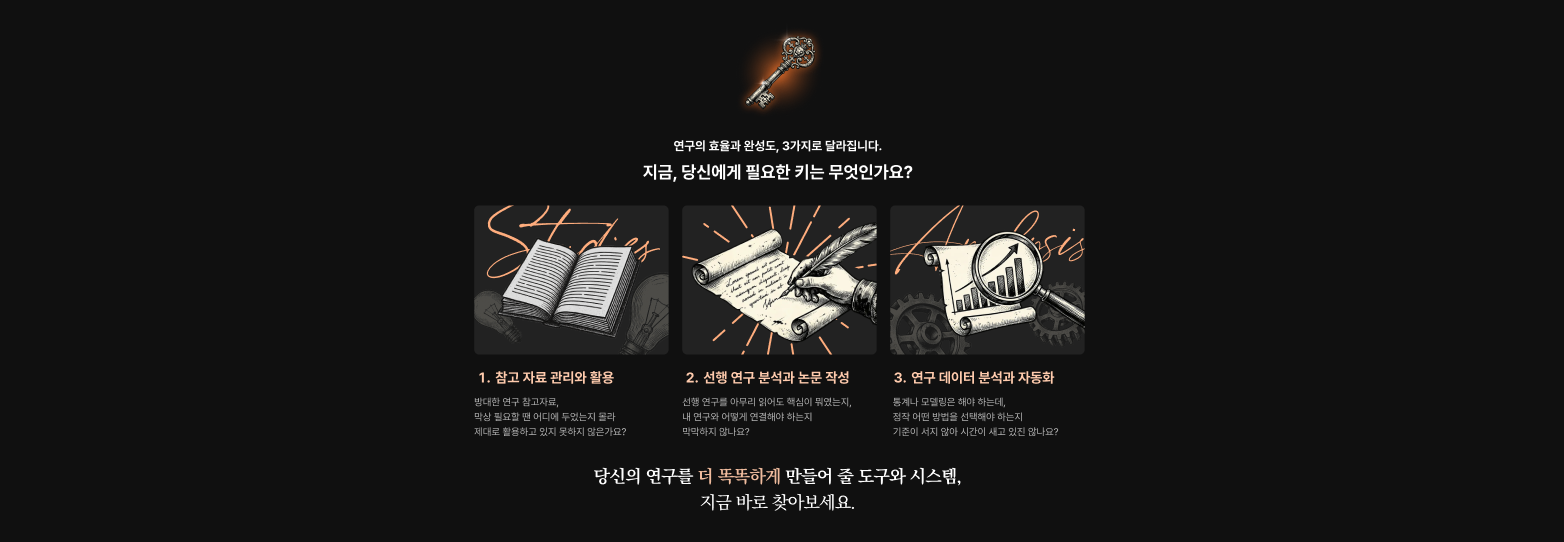
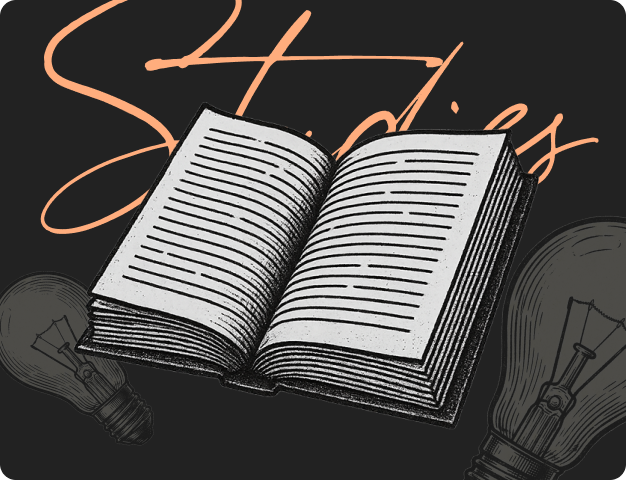


생각보다 꽤 디테일하고 자연스럽습니다. 저는 포토샵에서 누끼를 따서 사용을 하고 있는데요. 아직 나노바나나 프로에서는 remove background가 효과적이지는 않은 것 같습니다.


미드저니와 chatGPT에서도 해당 프롬프트를 사용해서 베리에이션을 해보았는데요.
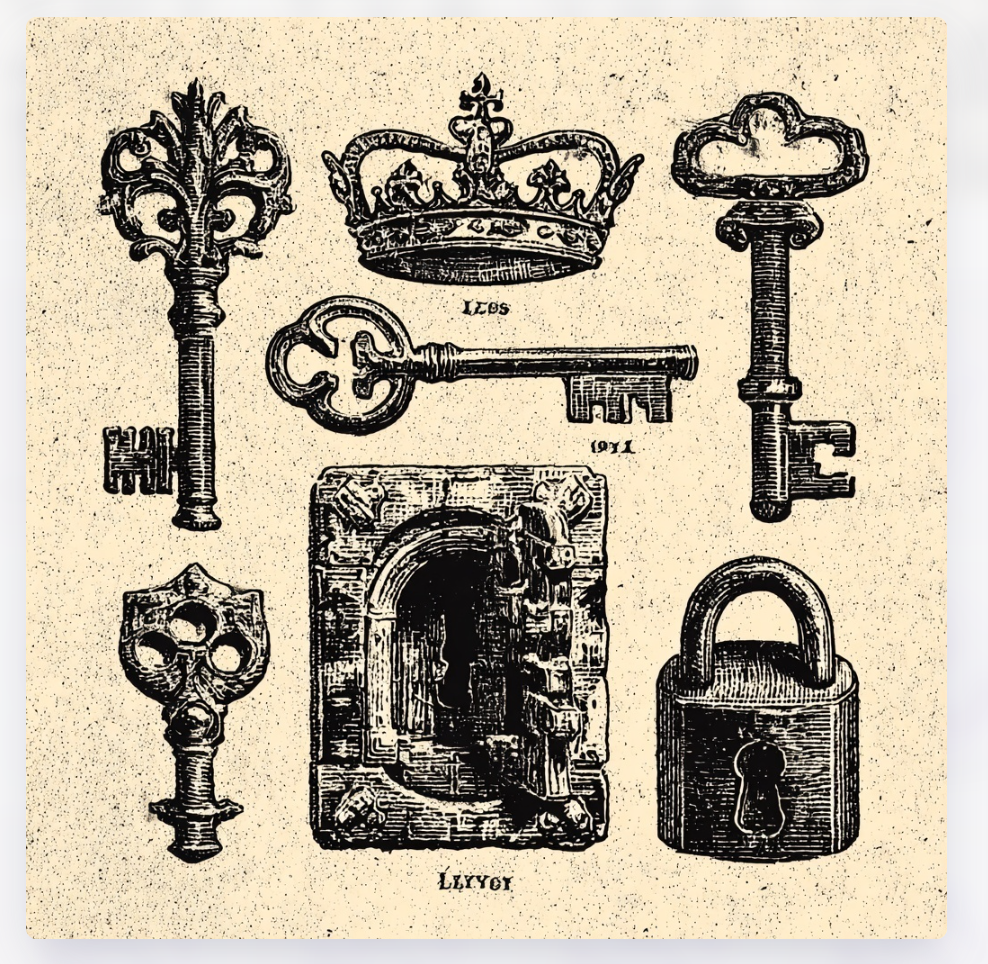
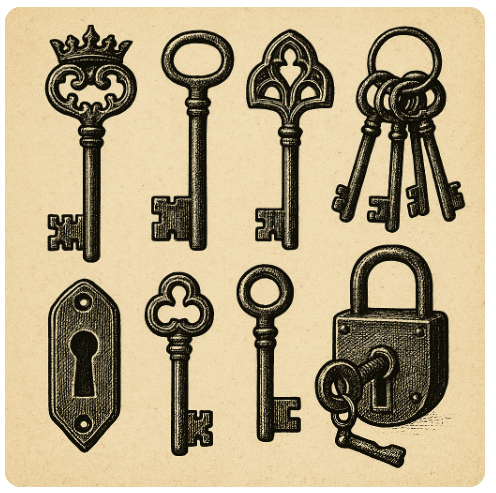
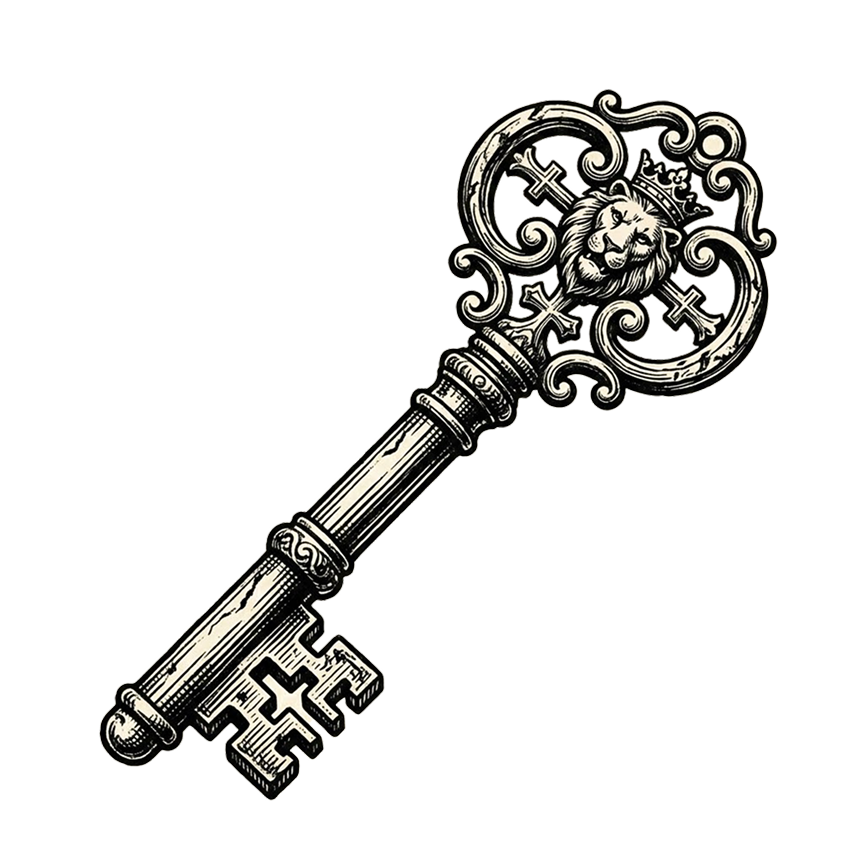
같은 json 프롬프트를 활용한 결과물인데요. 비교해보면 나노바나나 Pro가 훨씬 퀄리티가 좋고 명확합니다. 그리고 후가공해서 사용하기에도 매우 편리합니다. 현재 나노바나나 가격은 29,000원이고 구글 클라우드 2TB + NotebookLM 등 다양한 옵션들을 제공하고 있는데요. 개인적으로는 실무에서 Gemini를 ChatGPT보다는 좀 더 많이 사용하게 될 것 같습니다.
아래는 제가 ChatGPT로 블렌더 스타일 3D 아이콘을 베리에이션 해본 결과물입니다.
ChatGPT로 일관성 있게 블렌더 스타일 3D 아이콘 베리에이션 하는 방법 (코드 공유)
안녕하세요. 오늘은 제가 최근에 아주 유용하게 쓰고 있는 ChatGPT 아이콘 베리에이션 제작 방식을 정리해보려고 합니다. 요즘 디자인 하면서 아이콘 하나를 여러 버전으로 제작하도록 요청받은
creativeunit.tistory.com
'생성형 AI > 생성형 AI 스터디' 카테고리의 다른 글
| 프레이머, 웹플로우 대신 광고 디자이너 포트폴리오, 이제 이렇게 만드세요 1 (구글 스티치 + 클로드 ai ) (0) | 2026.03.22 |
|---|---|
| AI 프롬프트로 이미지 생성시 필요한 라이팅 프롬프트 20가지 추천 (0) | 2026.03.09 |
| ChatGPT로 일관성 있게 블렌더 스타일 3D 아이콘 베리에이션 하는 방법 (코드 공유) (0) | 2025.11.22 |
| AI로 하루 3시간 아끼는 프리랜서 워크플로우 세팅법(Chat GPT & Claude & Notion AI) (0) | 2025.11.17 |
| Chatgpt를 활용해서 애플 2.0 스타일 아이콘 만들어 쓰는 방법 (0) | 2025.11.07 |


